
Restoring your complete hosting package with Acronis in cPanel is a quick and effective way to recover your website in the event of data loss, site corruption, or accidental changes. Only need one file back? See how to restore a single file.
Acronis is a reliable backup solution built into cPanel that lets you restore your entire hosting environment with minimal effort and downtime.
Important: Restoring a complete hosting package will overwrite any files or data created or modified since the selected backup date.
How to restore a complete hosting package
Follow these steps to easily restore a complete hosting package with Acronis in cPanel on GoHosting.
1. Log in to cPanel
Go to your cPanel login page using the link in your GoHosting welcome email.
Alternatively, if your domain's DNS is already pointing to GoHosting, visit:
Enter your cPanel username and password to sign in.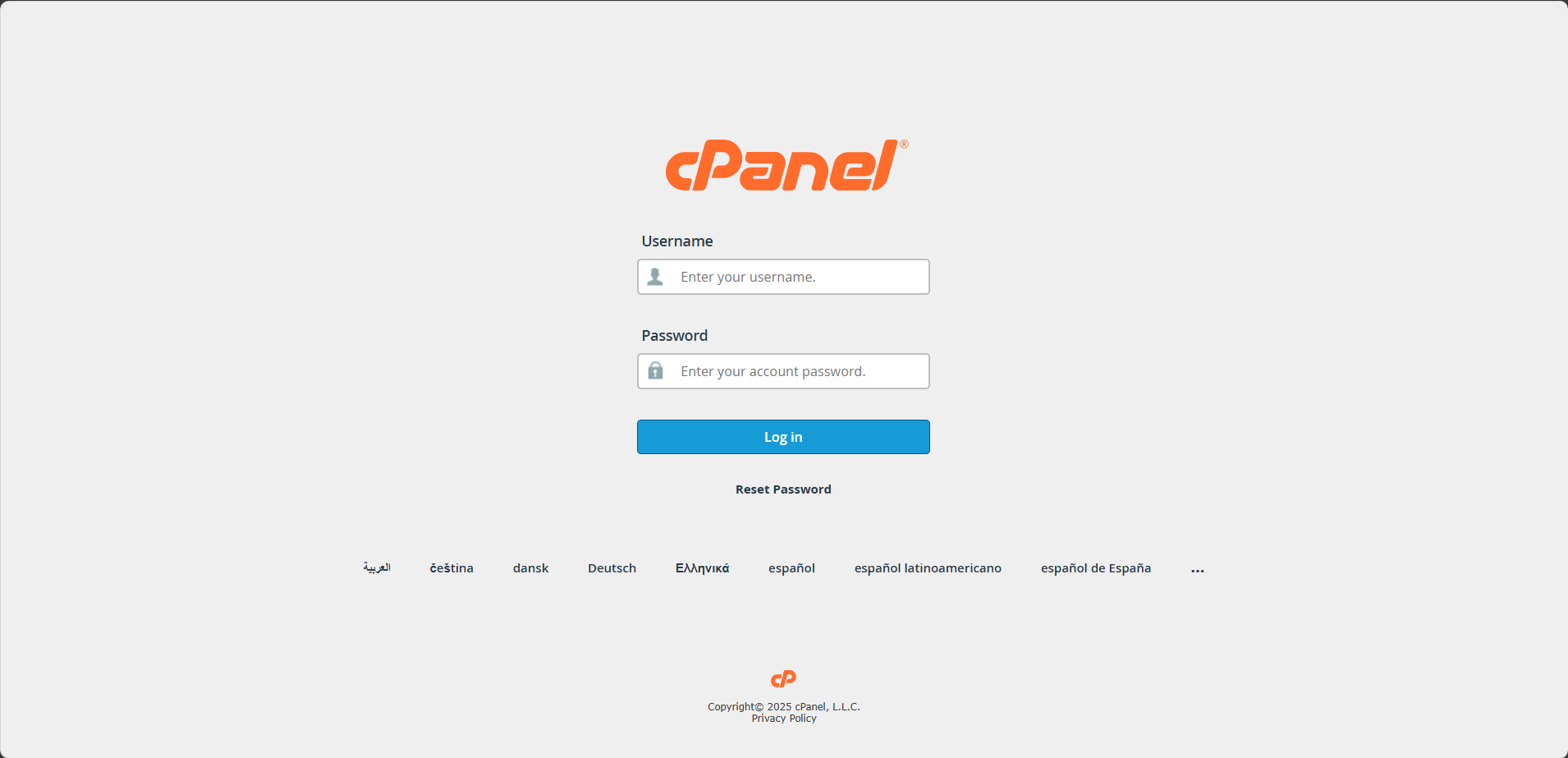
2. Open Acronis Backup
In the cPanel dashboard, scroll down to the "Files" section and click the "Acronis Backup" icon.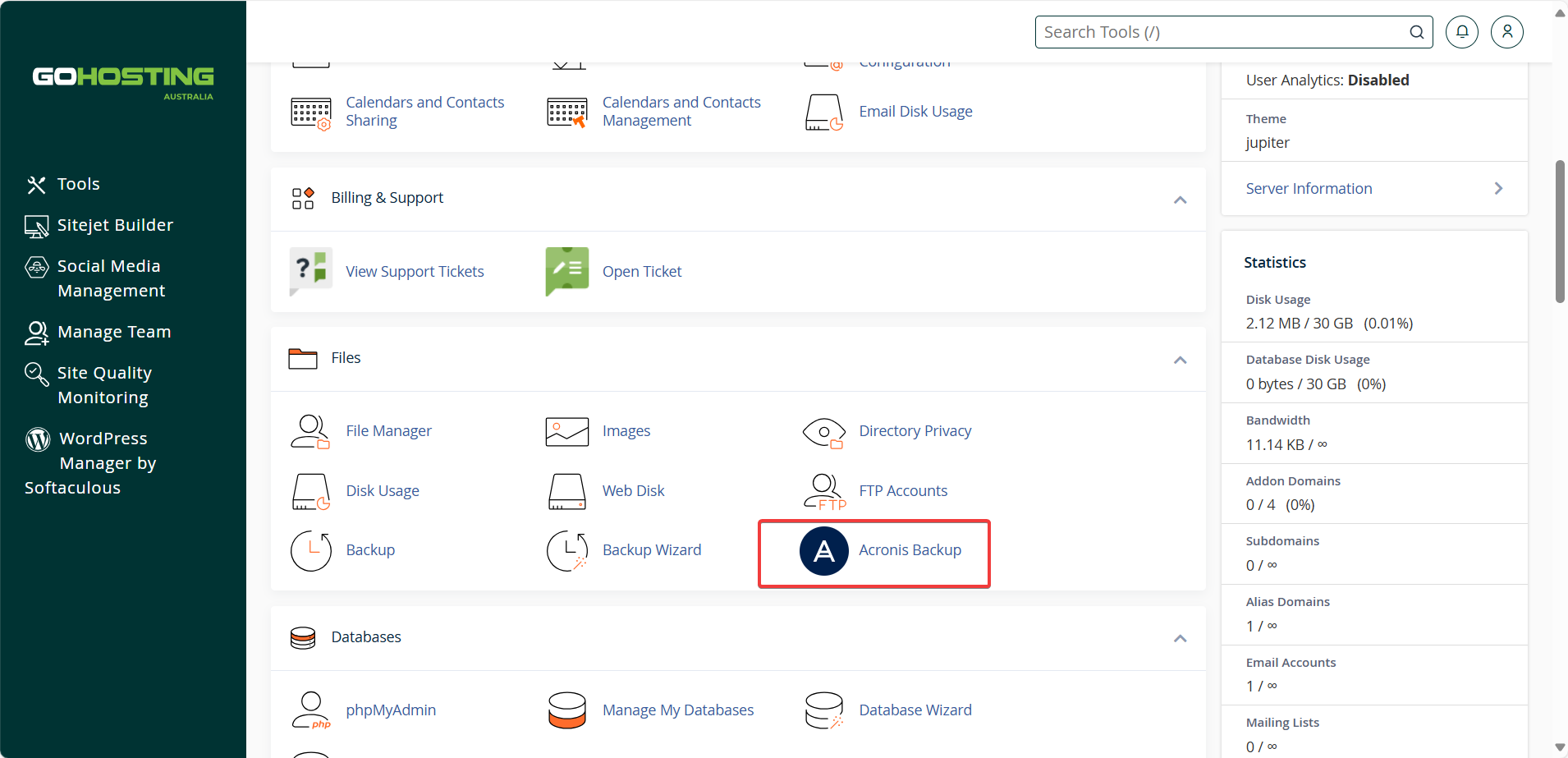
3. Select a backup date
Under the "Backups" tab, choose the date and time you wish to restore from the list of available backups.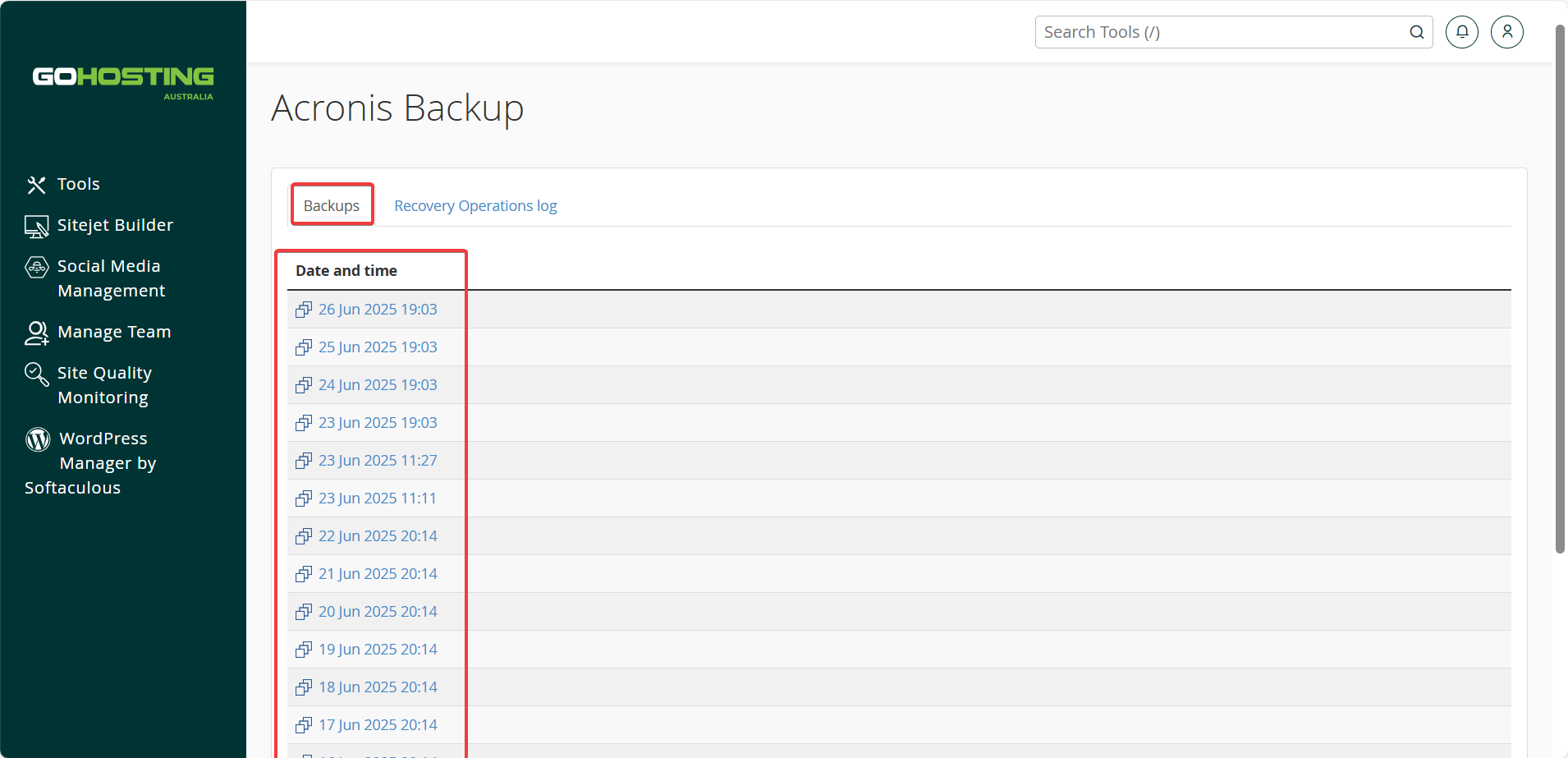
Wait for the backup to load—this may take a few moments.
4. Choose recovery option
You will see options to recover the entire account or specific items like domains, files, databases, and mailboxes.
Click "Recover the account" to restore the entire hosting package.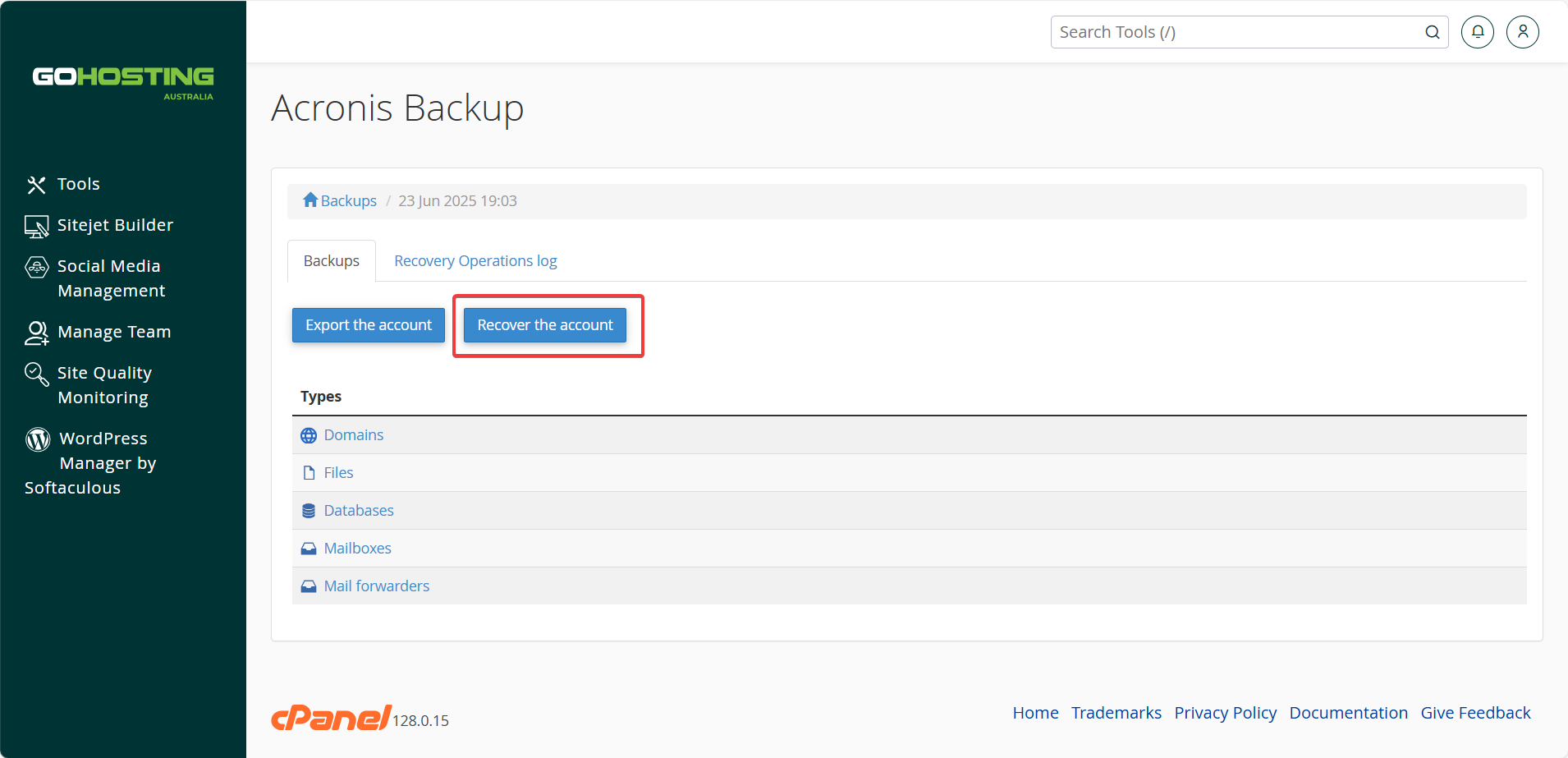
5. Configure recovery settings
You’ll be prompted with a few recovery settings:
Skip recovery of databases
Skip recovery of home directory
Leave both options unchecked unless you’re certain that the databases or files do not need to be restored.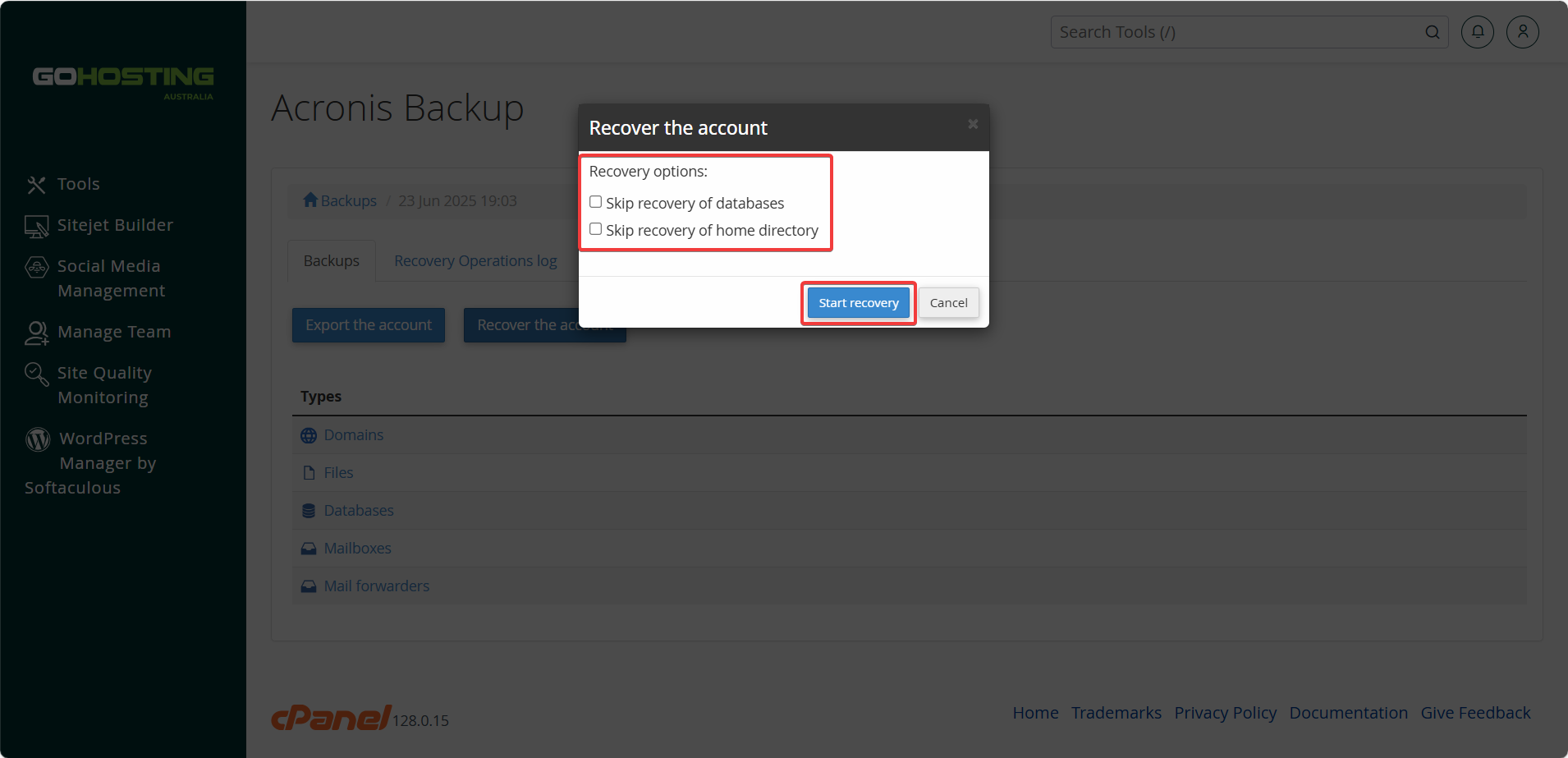
6. Start the recovery
Click "Start recovery" to begin the restoration process.
The time required to complete depends on the amount of data being restored. You can monitor progress in the "Recovery Operations Log" tab, which shows whether the recovery is in progress or completed.
If this fails, errors or shows any other results you're unsure of then reach out to one of GoHostings Technical support members at "[email protected]" for further assistance.
